About and updates
See the version and status of Scops, put it in maintenance mode, show a notice to all users, and check the edition.
Before you begin
You need Manage Settings. To activate or remove a license key, you also need Manage edition key.
Maintenance mode
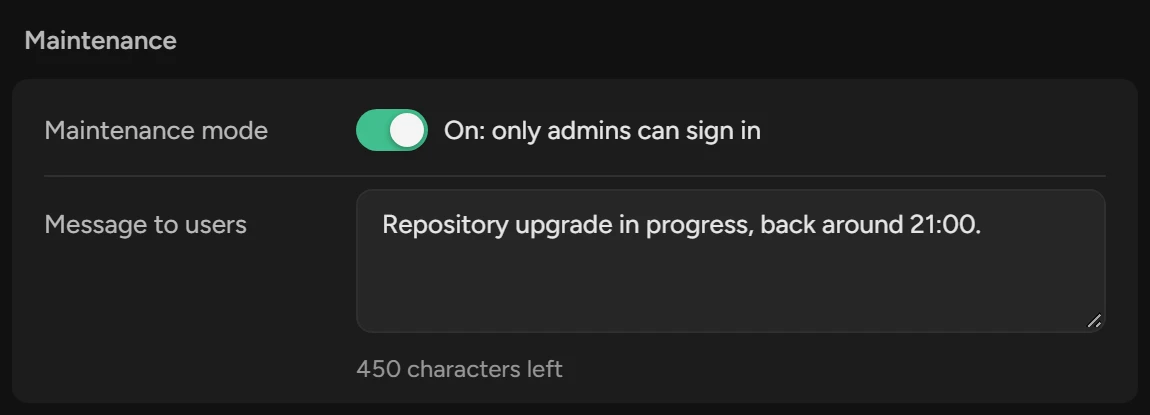
While maintenance mode is on, only ADMIN users can use Scops. Other users see Under Maintenance with your message. Collection, alerts and jobs continue.
Type the Message to users and click Save.
Turn on Maintenance mode. It applies at once.
When you finish, turn it off, or click Turn Off at the top of About.
Show a notice on the Databases page
Under Databases page notice, type the Notice, 500 characters or fewer.
Click Save.
All users see the notice beside the title of the Databases page while it has text.
Upgrade Scops
Run the Setup of the new version on the server. See Upgrade.
Make sure that About shows the new version, and that Migrations shows Matches.
Scops does not check for updates.
Version and status
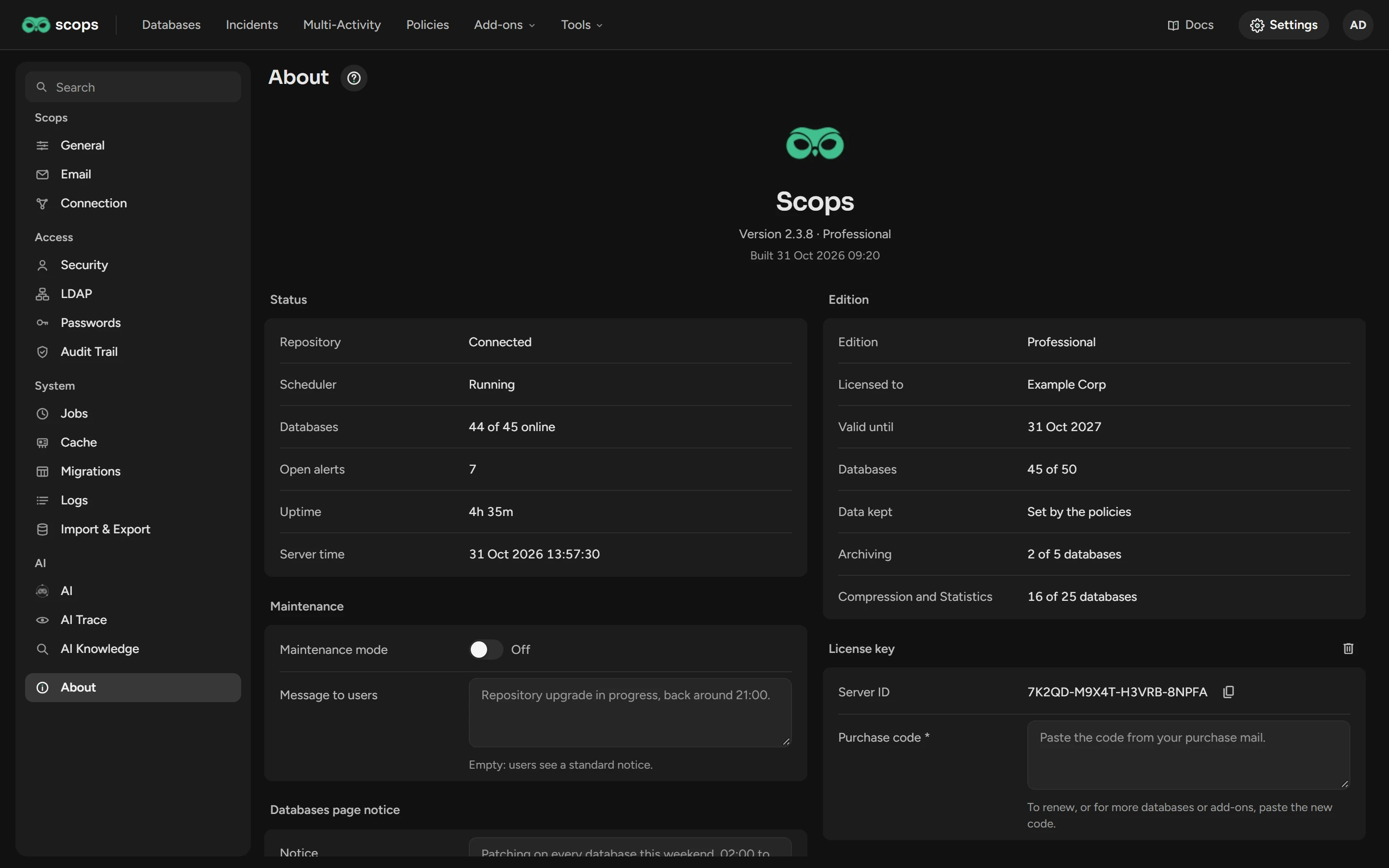
The version is under the logo. Give it when you contact support. Under Status, Repository must show Connected, and Scheduler must show Running, or the jobs do not run.
Edition and license key
Edition shows what your edition allows and how much of it is in use. A database counts once in Compression and Statistics, if it uses one or both. See Activate a license key.
Related
Updated October 29, 2026