Policies
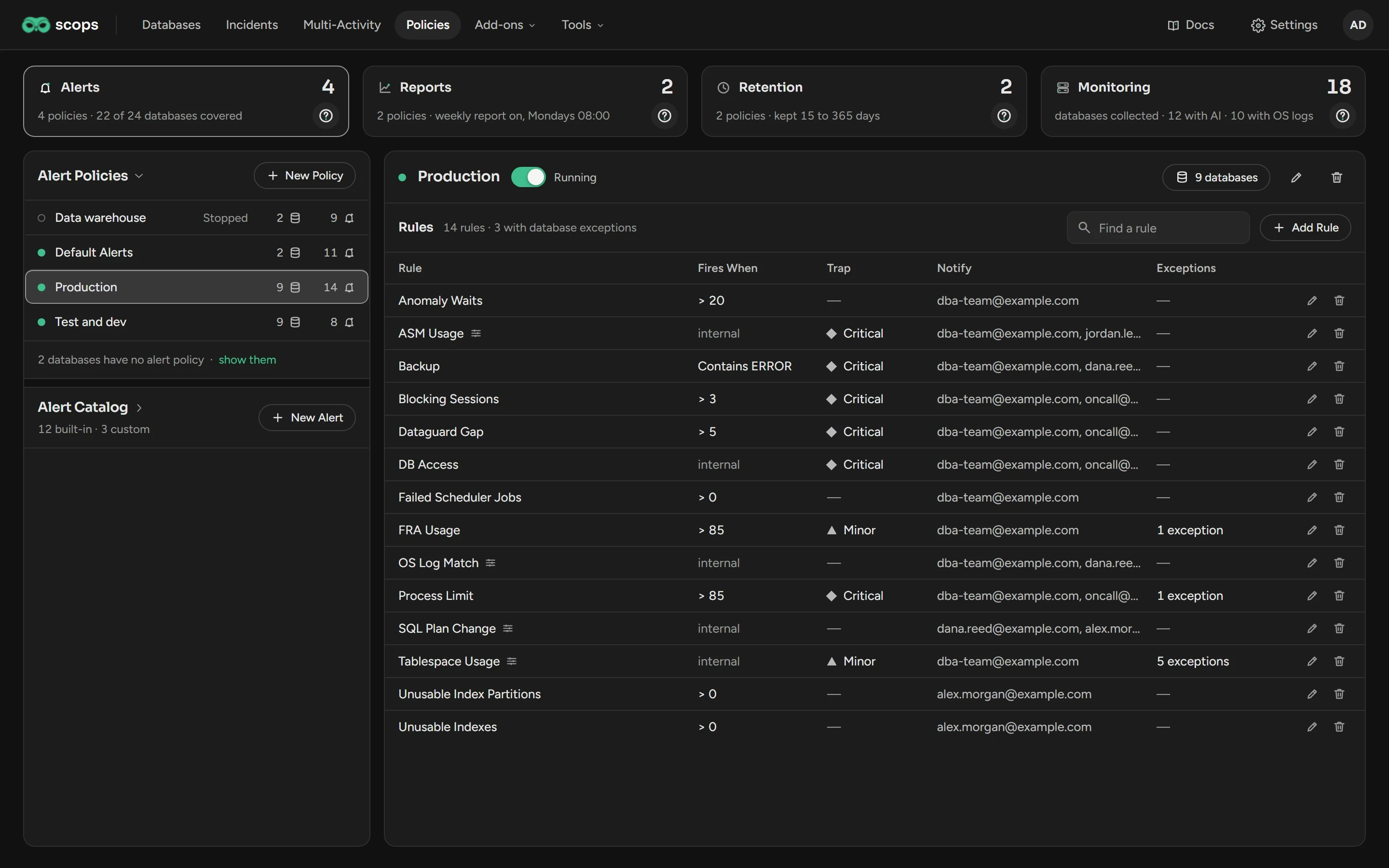
A policy sets one kind of settings for a group of databases. Open Policies in the top bar, then click a card.
Before you begin
| Permission | What it allows |
|---|---|
| View Policies | Open the page and read the policies. |
| Manage Policies | Create, change, stop and delete policies. Assign databases. |
| Manage alerts | Change the Alert Catalog. |
| Manage reports | Change the Report Catalog. |
| Manage databases | Change the switches on Monitoring. |
Select a card
| Card | What you do there |
|---|---|
| Alerts | Set the alerts of a group of databases and who gets the mail. See Alert policies. |
| Reports | Create reports, run them on a schedule and mail them. See Report policies. |
| Retention | Set how long Scops keeps each kind of data. See Retention. |
| Monitoring | Turn Cache, AI, Radar and OS Logs on or off for many databases. See Monitoring. |
The ? on a card opens the page of that card.
On Alerts and Reports, the left card has two groups: the policies and the catalog. The catalog holds the alerts or the reports that a policy can use. Click the name of a group to open it. New Policy and New Alert or New Report are always there, also when the group is closed.
A policy row shows the number of databases and the number of rules or reports, each beside its icon. A filled dot shows a running policy. A stopped policy has an empty dot and the word Stopped.
Rules for all policies
- A database has one policy of each kind at most. A change to a policy applies to all its databases.
- A new database gets Default Alerts, Default Reports and Default Retentions, unless you select others in Add Database.
- You cannot delete or rename a default policy. You can change its settings.
Related
Alert policiesRules, your own alerts and exceptions.
Report policiesReports, schedules and mails.
RetentionHow long Scops keeps data.
MonitoringCache, AI, Radar and OS logs per database.
Updated October 30, 2026