Introduction
Scops monitors all your Oracle databases from one place, tells you about problems early and does routine work for you.
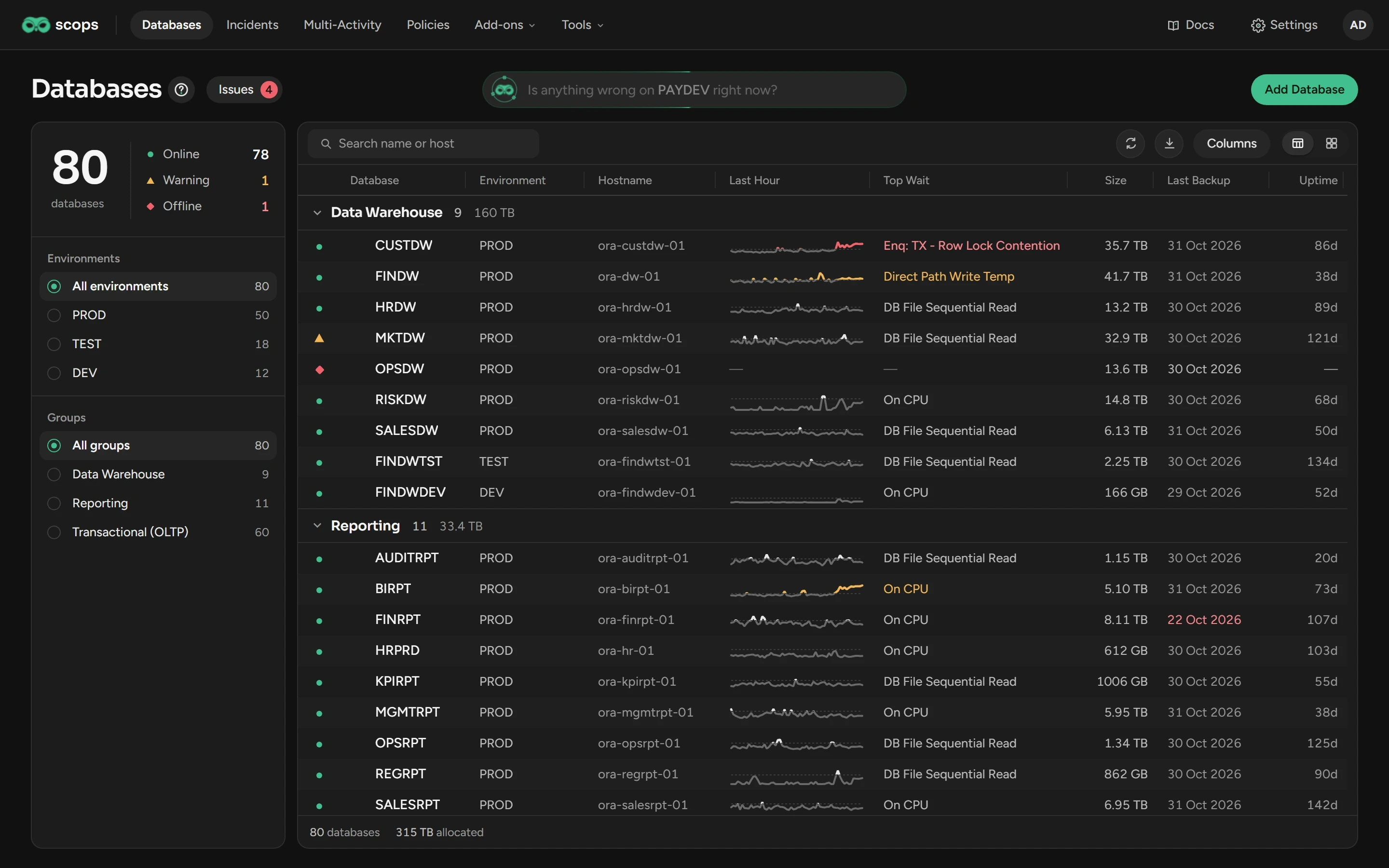
How Scops works
Scops runs on one Windows server, and you use it in a browser. It reads each database with one Oracle account and keeps its data in an Oracle schema, the repository.
AgentlessNothing to install on the database servers.
One serverTwo Windows services, used from a browser.
Your data staysAll collected data stays in your repository.
No packs neededScops collects sessions and SQL statistics itself.
Features of the Oracle Diagnostics Pack and Tuning Pack stay off until you confirm the license. See Diagnostics and Tuning Pack.
What you can do
Monitor all databasesStatus, activity, size and backups.
Examine one databaseActivity, top SQL, sessions and waits.
Know about problems earlyRadar Engine forecasts full tablespaces and more.
Ask in plain wordsScops AI finds the cause.
Automate routine workStatistics, compression and archiving.
Set alerts and reportsPolicies for groups of databases.
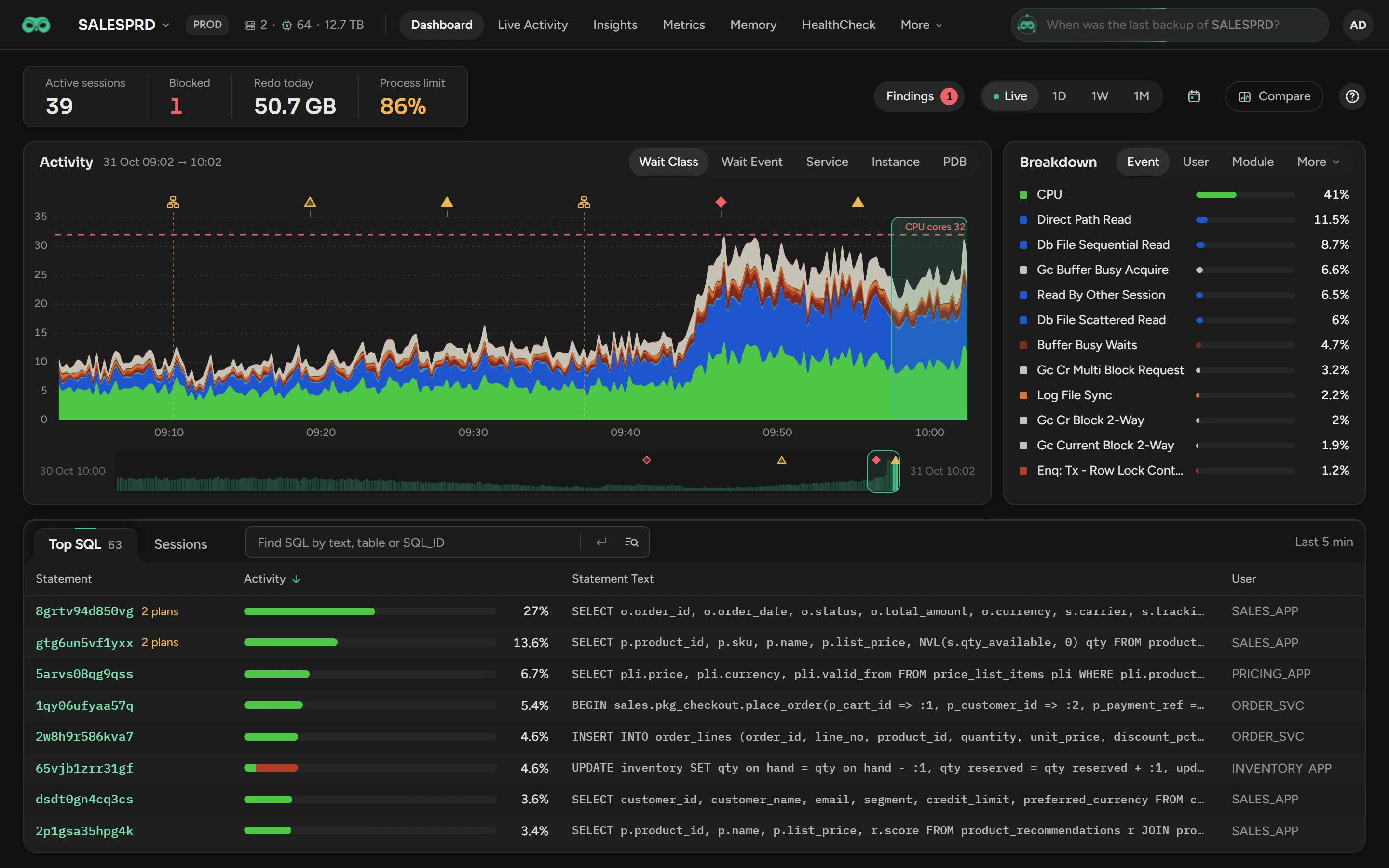
Set up Scops
Check the system requirements.
Install Scops on a Windows server.
Sign in as
adminand create the recovery code.
Related
Updated October 31, 2026